Decisions and friction points
The summary separates key points, decisions and disagreements, so nothing gets smoothed over.
Consulting and client workshops
Decisions, disagreements, actions with owner and due date: the client recap is ready when the session ends, in person or by video.
3 free summaries · No subscription with your own key · On-device transcription
It’s hard to run a workshop while noting who said what and what was decided.
The client expects it the same evening; it often goes out two days later.
Friction points vanish from the notes, then resurface at the next steering meeting.
With Verba
The summary separates key points, decisions and disagreements, so nothing gets smoothed over.
Tasks spotted go to Apple Reminders; with an instruction, each one gets an owner and a due date.
Email the summary to the meeting’s attendees the same day.
On Mac, Verba records the call’s sound (Zoom, Meet, Teams) and your microphone.
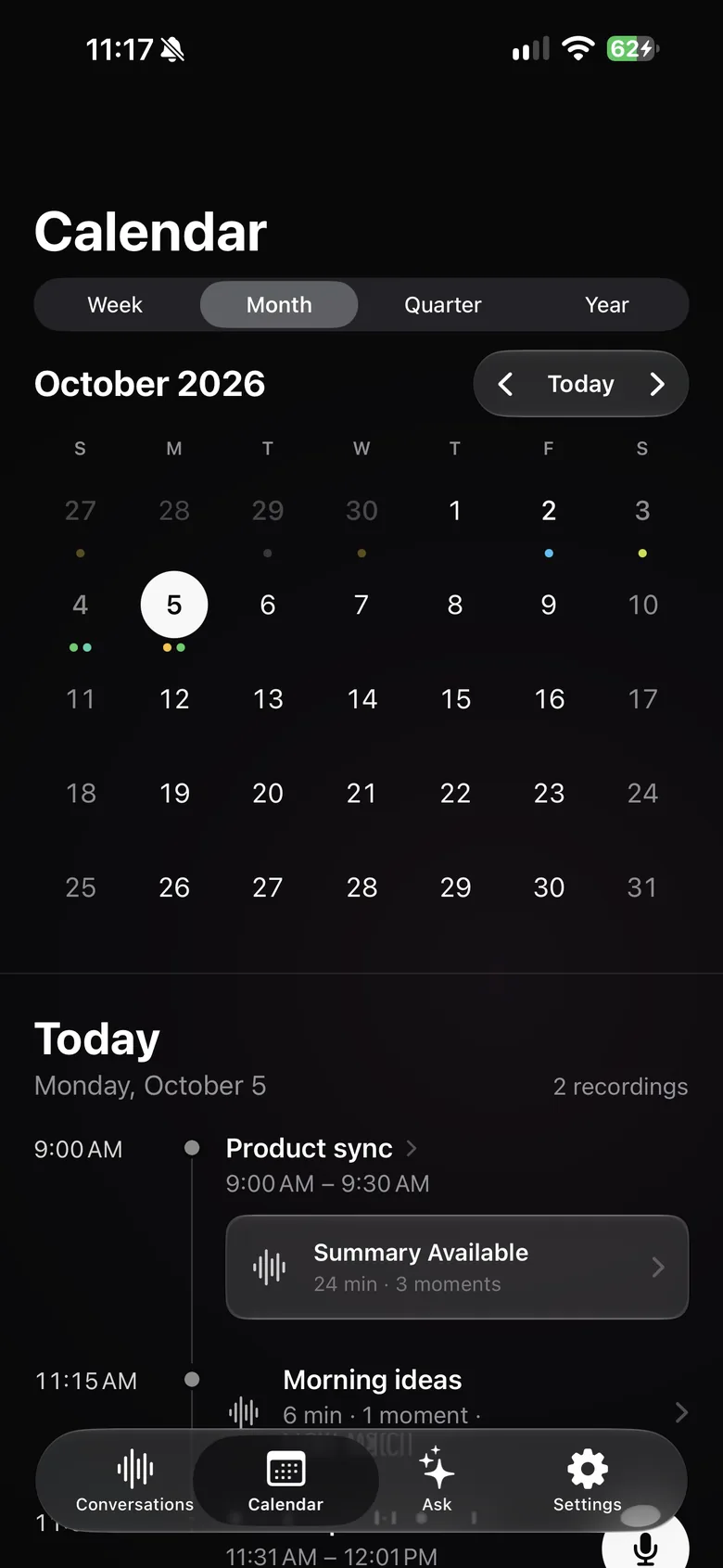
From the calendar, read your prep notes and start recording the right meeting.
Verba’s MCP server on Mac lets Claude or Cursor read your conversations, read-only, to help prepare a deliverable.
Sample summary
A made-up example: names, places and figures are fictional. The real content depends on what’s said in your meeting and on your instructions.
Example
Your format, in one instruction
Copy this text, then paste it into Verba, in Settings › Custom Instructions.
Write client workshop notes: purpose of the session, attendees and their roles, key points by theme, decisions made, disagreements and decisions still pending, risks raised, action plan (action, owner, due date), date of the next session. End with a recap email of ten lines at most, ready to send to the client.
Announce the recording at the start of the workshop and get the attendees’ agreement. Offer to pause it for anything the client would rather keep out of the notes.
Workshop discussions are often covered by the confidentiality terms of your contract. If your client requires it, use your own API key or your firm’s OpenAI-compatible server, and turn on automatic deletion.
Review before sending: the summary is written by an AI model and can contain mistakes, especially about who said what.
Yes, with Verba on Mac, which records the Mac’s sound and your microphone. Always tell the attendees.
No. Verba produces a text summary you can copy or share, along with the transcript and audio. On Mac, Claude or Cursor can also read your conversations through the MCP server to help you write a deliverable.
From Verba, email it to the attendees of the calendar meeting, or share the text with any app.
The audio stays on your devices and in your iCloud, and transcription happens on the device by default. To write the summary, the transcript text is sent to the model you chose: Mistral, a European model, by default, through the Verba API and OpenRouter, and Verba doesn’t store it. With your own key or your firm’s server, it doesn’t go through Verba.
Your first three summaries are free. After that, Premium is €9.99 a month and Diamond €49.99 a month. With your own API key, Verba is free with no limit on its side: you pay the provider directly.
Client meetings, voice notes between visits, follow-ups in Reminders.
Learn moreClient meetings, on-device transcription, your firm’s own server.
Learn moreObservations dictated on site, photos, text recognized in images.
Learn moreSite meetings: progress by trade, decisions, snags, actions.
Learn moreViewing reports for the seller, room-by-room photos, buyer feedback.
Learn moreDamage described by voice, photos, timeline, draft report.
Learn moreInterviews, structured candidate notes, scorecards.
Learn moreInterviews, timestamped transcripts, quotes marked ★, source protection.
Learn more
Coming soon to the App Store, for iPhone, iPad, Apple Watch and Mac.
Coming soon to the App Store