Dictate the damage
Describe the damage room by room, measurements included: Verba transcribes on the device.
Insurance and loss adjusting
At the scene, just talk and take photos. Verba organizes the circumstances reported, the damage observed and the documents to obtain into a draft report you can work from.
3 free summaries · No subscription with your own key · On-device transcription
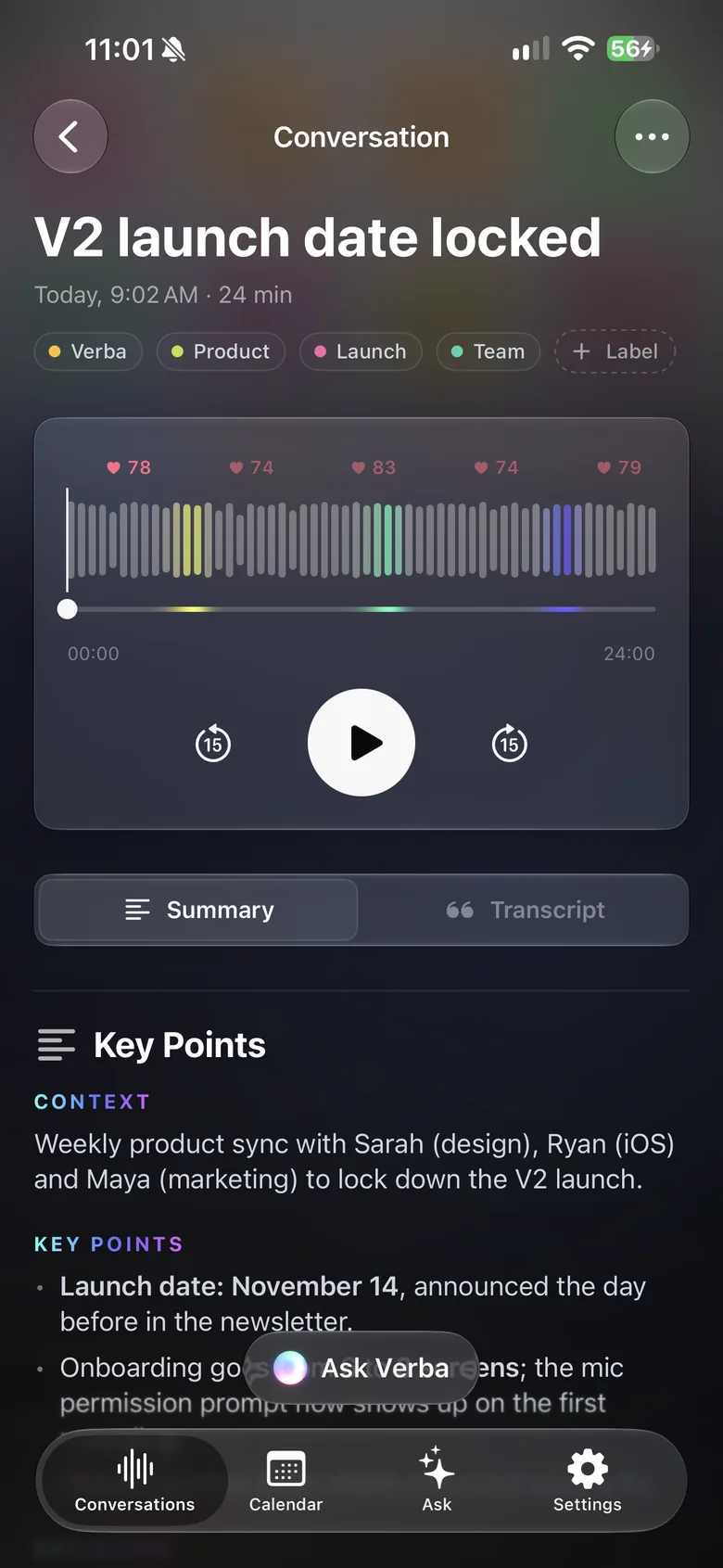
Several claims a day, and by evening the notes all start to look alike.
The meter photo on one side, the description of the leak on the other, to be matched by hand.
The timeline the policyholder gives matters. Paraphrasing it from memory risks getting it wrong.
With Verba
Describe the damage room by room, measurements included: Verba transcribes on the device.
Take photos in Verba or import them; the ones taken during the recording are suggested to you.
Rating plate, serial number, invoice: Verba recognizes the text visible in your photos.
With one instruction, the summary separates the circumstances reported from the damage observed, in order of events.
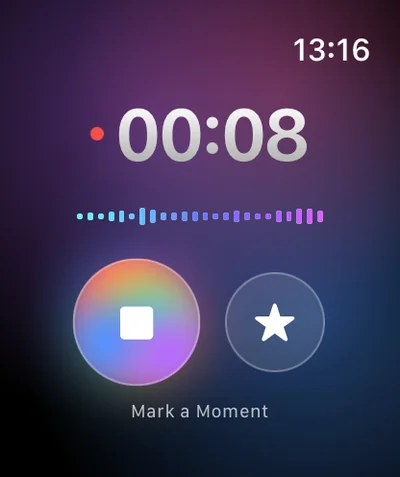
Double Tap on the Watch marks a key statement from the policyholder or damage to look at again.
No account, on-device transcription, sync through your own iCloud, and your firm’s server if you prefer.
Sample summary
A made-up example: names, places and figures are fictional. The real content depends on what’s said in your meeting and on your instructions.
Example
Your format, in one instruction
Copy this text, then paste it into Verba, in Settings › Custom Instructions.
Write draft loss assessment notes: date and place of the visit, people present and their role, circumstances and timeline as reported (attributed to whoever reported them), damage observed room by room with any measurements or quantities mentioned, photos taken, documents provided or to obtain, points to check, next steps with owner and due date. Always separate what was observed from what was reported, and never estimate an amount that wasn’t mentioned.
Verba is a note-taking aid. The official assessment report remains the adjuster’s, who checks every element and is responsible for it. Summaries are written by an AI model and can contain mistakes.
Tell the policyholder and anyone present before recording, and get their agreement. Recording laws vary, and many places require everyone’s consent.
Policyholder data is personal data (covered by the GDPR in Europe): keep recordings only as long as needed, with automatic deletion after 7, 30 or 90 days or 1 year. For the summary, your own API key or your firm’s OpenAI-compatible server keeps everything away from Verba.
No. It’s a draft written by an AI model, to be checked and completed. The assessment report remains your document, prepared according to your methods and your principal’s.
No, there’s no integration. You can copy or share the summary, transcript and audio, and add the photos to your usual tool.
Recording works without a connection, and so does on-device transcription once the language is available on the device (it may need a download the first time). Writing the summary needs a connection, to reach the model you chose.
Not on iPhone: Apple doesn’t let any app record phone calls. For a remote assessment by video, use Verba on Mac. Always tell the other person.
The audio stays on your devices and in your iCloud, and transcription happens on the device by default. To write the summary, the transcript text is sent to the model you chose: Mistral, a European model, by default, through the Verba API and OpenRouter, and Verba doesn’t store it. With your own key or your firm’s server, it doesn’t go through Verba.
Client meetings, voice notes between visits, follow-ups in Reminders.
Learn moreClient meetings, on-device transcription, your firm’s own server.
Learn moreObservations dictated on site, photos, text recognized in images.
Learn moreSite meetings: progress by trade, decisions, snags, actions.
Learn moreViewing reports for the seller, room-by-room photos, buyer feedback.
Learn moreInterviews, structured candidate notes, scorecards.
Learn moreInterviews, timestamped transcripts, quotes marked ★, source protection.
Learn moreWorkshops, decisions, action plans, client recap.
Learn more
Coming soon to the App Store, for iPhone, iPad, Apple Watch and Mac.
Coming soon to the App Store