A scorecard in your format
With one instruction, every interview follows the same criteria: skills, experience, motivation, points to check.
Recruiting and interviews
Verba records the interview, with the candidate’s consent, and turns it into structured notes and a scorecard in your format, so you compare on facts.
3 free summaries · No subscription with your own key · On-device transcription
From one interview to the next, notes don’t follow the same structure, and comparisons come down to gut feeling.
Typing while the candidate answers means missing the nuance in what they say.
Feedback to the hiring manager or the candidate waits until you’ve cleaned up your notes.
With Verba
With one instruction, every interview follows the same criteria: skills, experience, motivation, points to check.
Set your iPhone on the table and stay focused on the candidate.
On Mac, Verba records the call’s sound (Zoom, Meet, Teams) and your microphone.
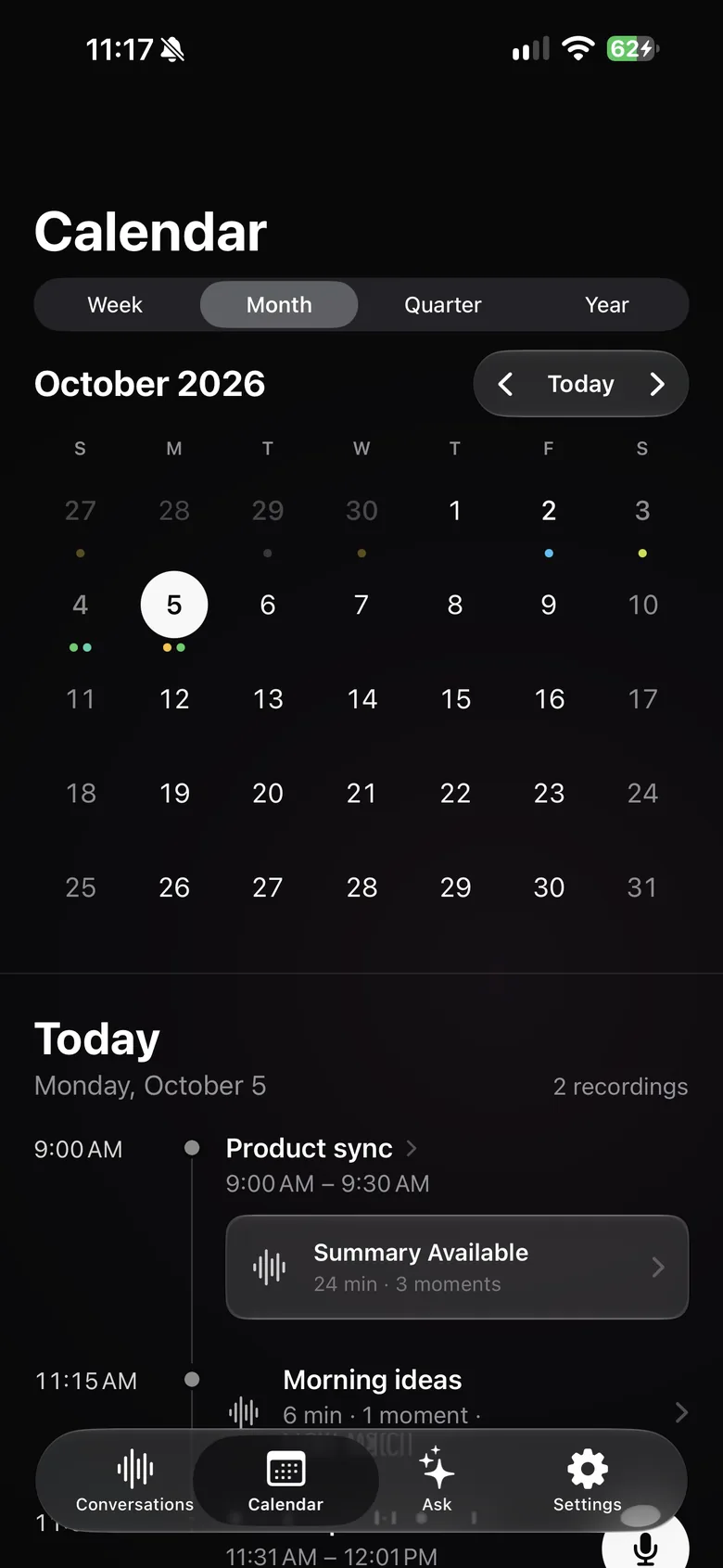
Open the scheduled interview, read your prep notes and questions, and start recording in one step.
With Ask: “Which candidates have managed a team before?” Verba searches all your interviews.
Verba suggests labels to organize your interviews, for example by role.
Sample summary
A made-up example: names, places and figures are fictional. The real content depends on what’s said in your meeting and on your instructions.
Example
Your format, in one instruction
Copy this text, then paste it into Verba, in Settings › Custom Instructions.
Write interview notes: role, candidate, interviewers, short background, motivation, then a scorecard criterion by criterion (key skills for the role, experience, soft skills, motivation) with, for each one, the facts the candidate gave and a suggested rating (strong, to explore further, insufficient) for the recruiter to confirm. Add the candidate’s questions, conditions discussed, points to check and next steps. Never mention age, family situation, origin, health or any other discriminatory criterion.
Tell the candidate and get their consent before recording; offer an interview without recording if they prefer. Recording and hiring rules vary by country: in France, for example, candidates must be told in advance about the recruitment methods used to assess them.
Data protection rules (the GDPR in Europe) apply to candidate data: tell candidates how the recording is used, keep only what’s useful for hiring and set a retention period. Automatic deletion (after 7, 30 or 90 days, or 1 year) can help.
The decision is yours. The summary is written by an AI model and can contain mistakes: review it, and never rely on it alone to assess a candidate.
Yes. Tell the candidate before the interview, explain what the recording is for and how long you keep it, and respect it if they say no.
No. With an instruction, Verba organizes your notes along your scorecard and can suggest a rating, but the assessment and the decision remain yours.
Not on iPhone: Apple doesn’t let any app record phone calls. For a video interview, use Verba on Mac.
The audio stays on your devices and in your iCloud, and transcription happens on the device by default. To write the summary, the transcript text is sent to the model you chose: Mistral, a European model, by default, through the Verba API and OpenRouter, and Verba doesn’t store it. With your own key or your company’s server, it doesn’t go through Verba.
Your first three summaries are free. After that, Premium is €9.99 a month and Diamond €49.99 a month. With your own API key, Verba is free with no limit on its side: you pay the provider directly.
Client meetings, voice notes between visits, follow-ups in Reminders.
Learn moreClient meetings, on-device transcription, your firm’s own server.
Learn moreObservations dictated on site, photos, text recognized in images.
Learn moreSite meetings: progress by trade, decisions, snags, actions.
Learn moreViewing reports for the seller, room-by-room photos, buyer feedback.
Learn moreDamage described by voice, photos, timeline, draft report.
Learn moreInterviews, timestamped transcripts, quotes marked ★, source protection.
Learn moreWorkshops, decisions, action plans, client recap.
Learn more
Coming soon to the App Store, for iPhone, iPad, Apple Watch and Mac.
Coming soon to the App Store